
Activity reporting
Review work by period, status and service.

REPORTS & CONTROL
Booking activity, commercial context and team status in one reporting view.
Review work by period, status and service.
See current workload and open actions.
Booking activity, commercial context and team status in one reporting view.
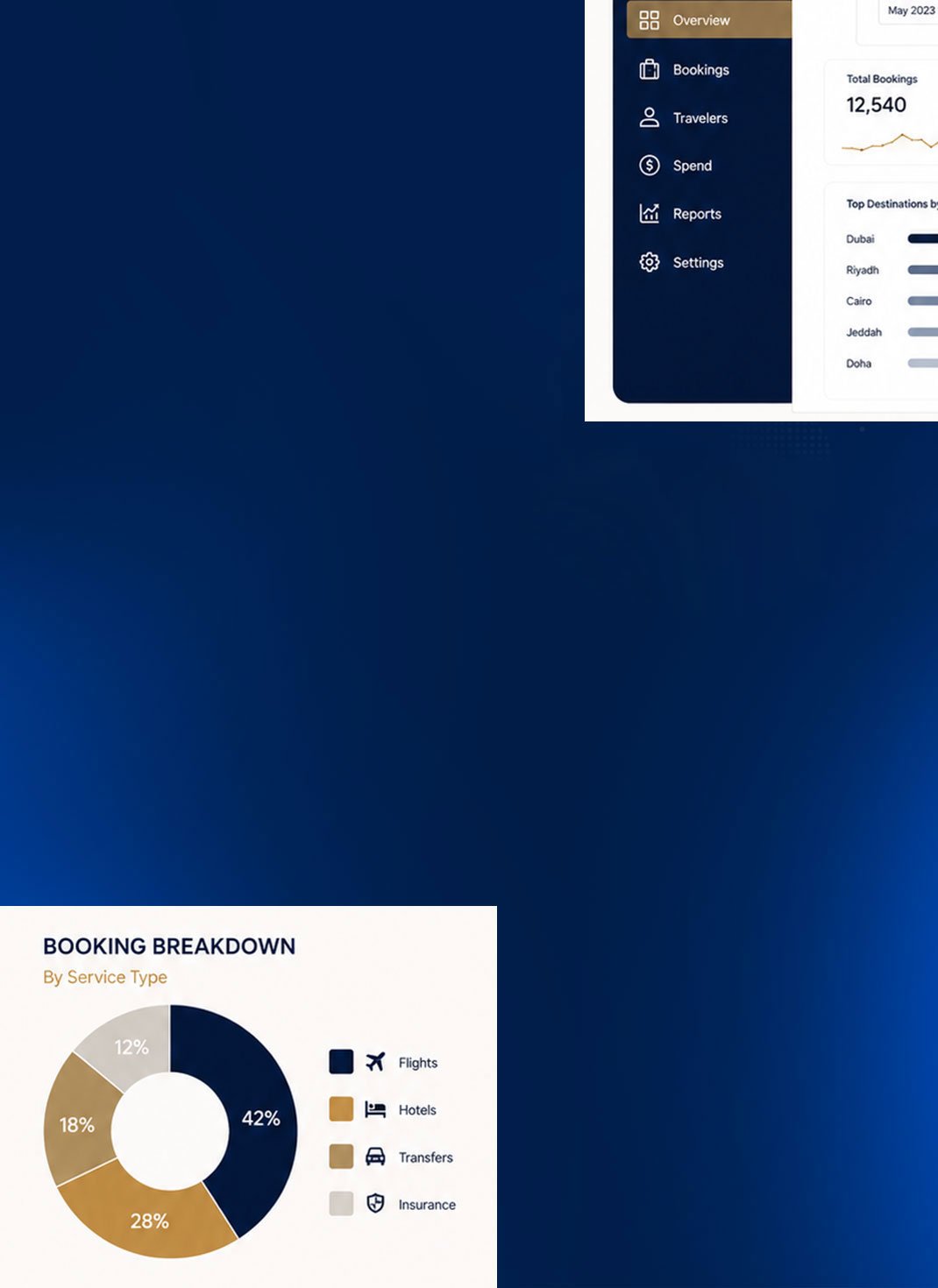
REPORTING
See the operation in one place.
02 / SCOPE
Requests, confirmations, supplier activity and changes create the operational picture. Structured records make that picture easier to review.
03 / WHAT THE WORK COVERS
Review work by period, status and service.
Understand the request behind the figures.
Keep pricing and supplier context available.
See current workload and open actions.
04 / REQUEST PATH
Send the dates, travelers, route and service requirements.
We check availability, operating conditions and commercial terms.
Approved services are coordinated with the relevant suppliers.
Changes, confirmations and follow-up remain attached to the request.
05 / OPERATING VALUE
Figures connect to working records.
Managers see what requires attention.
Teams report from the same source.
06 / RELATED
07 / START A REQUEST
Share the trip details and our team will review the request with you.


